

- Create a Cloudflare Connection
- Infisical UI
- API
-
Navigate to Project > Integrations > Certificate Syncs and press Add Sync.
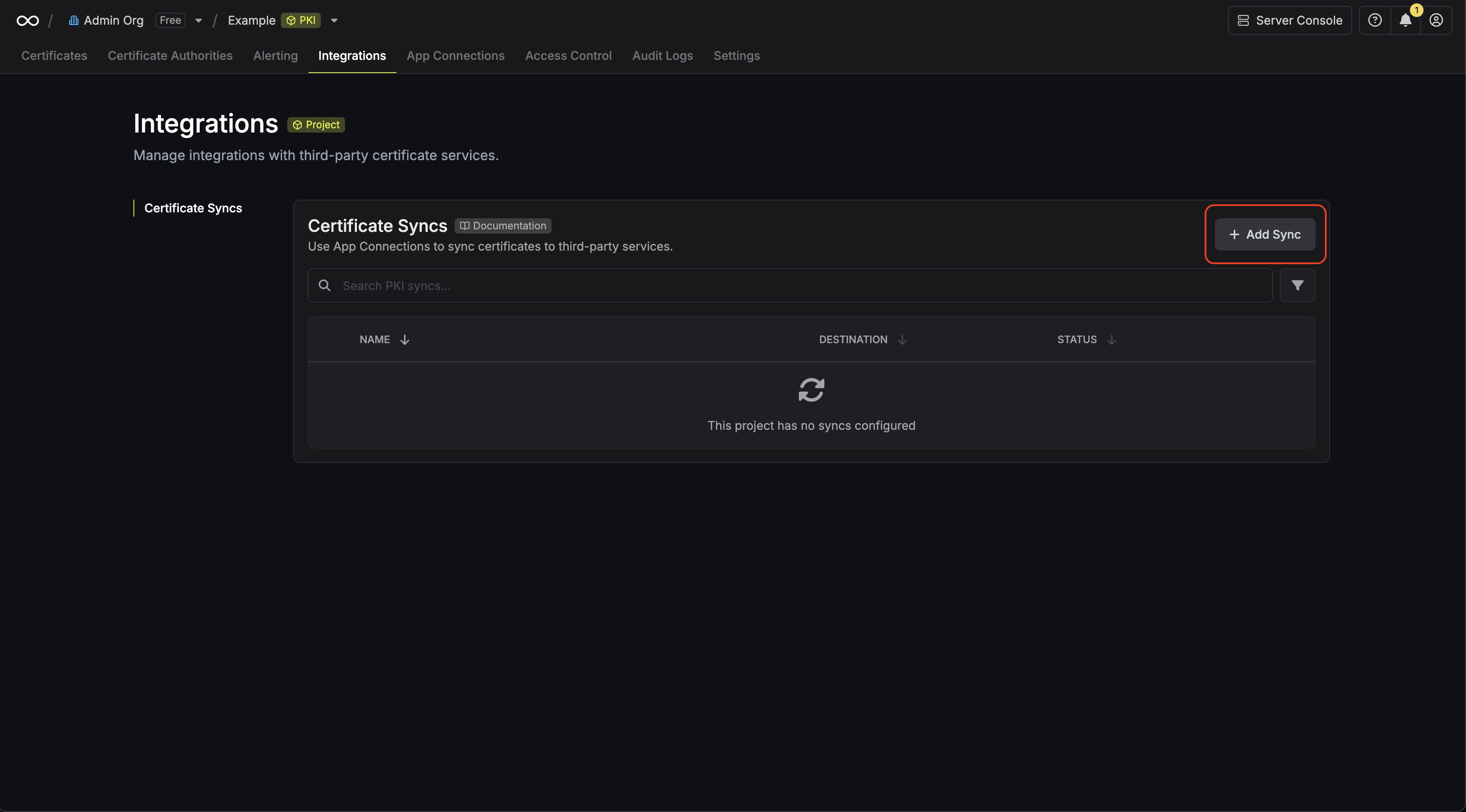
-
Select the Cloudflare Custom Certificate option.
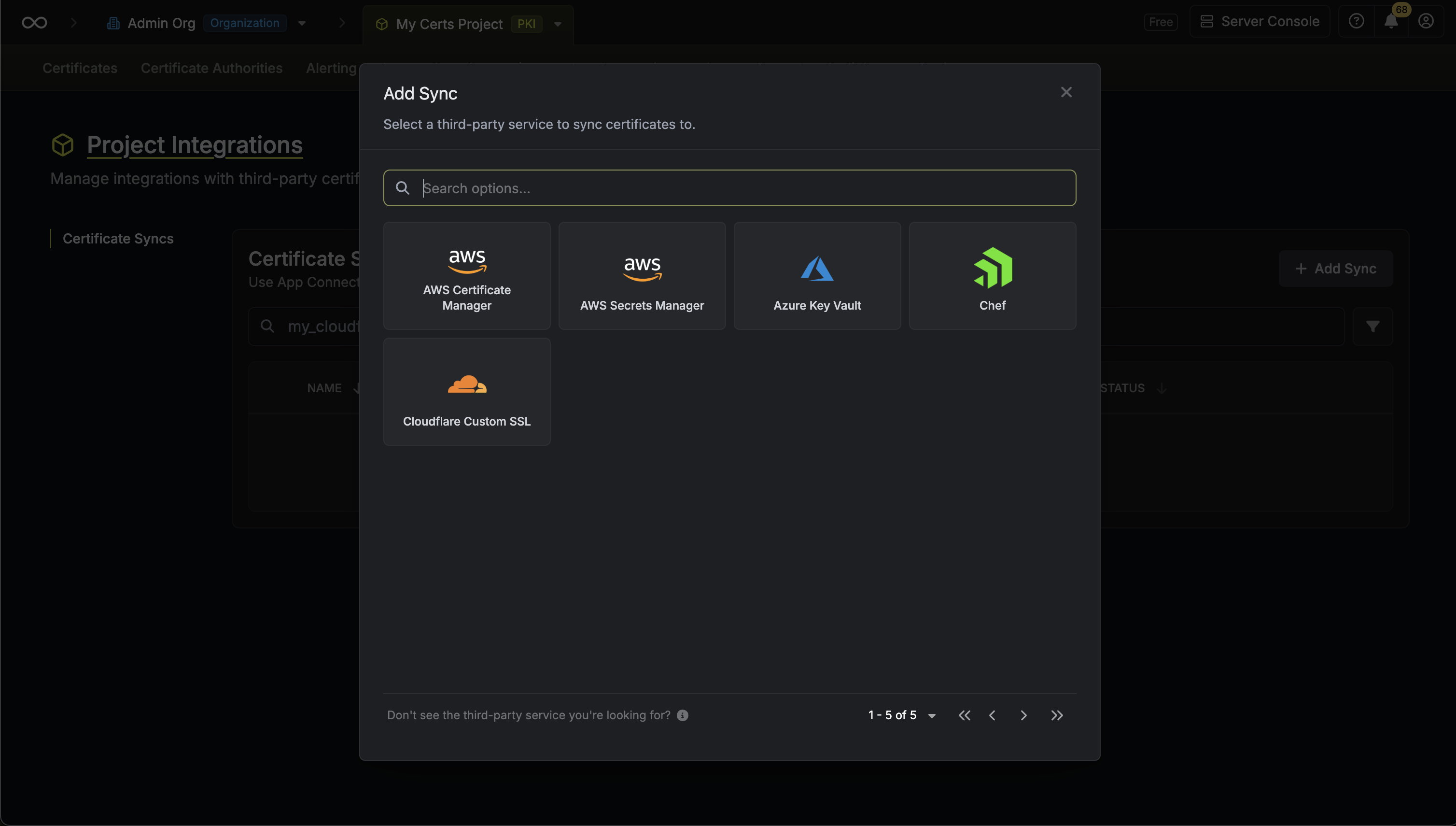
-
Configure the Destination to where certificates should be deployed, then click Next.
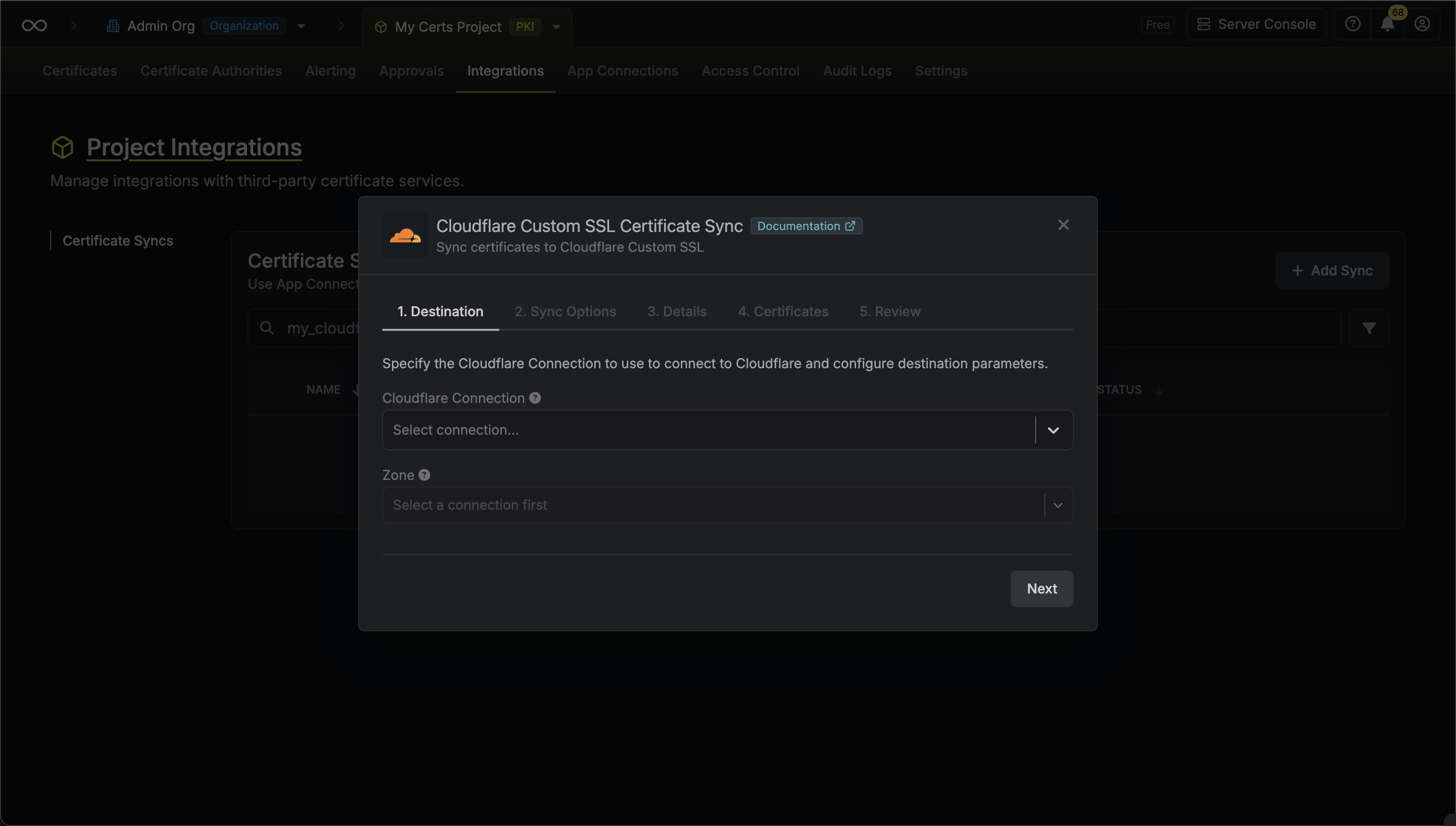
- Cloudflare Connection: The Cloudflare Connection to authenticate with.
- Zone: The Cloudflare zone (domain) where certificates should be uploaded.
- Configure the Sync Options to specify how certificates should be synced, then click Next.
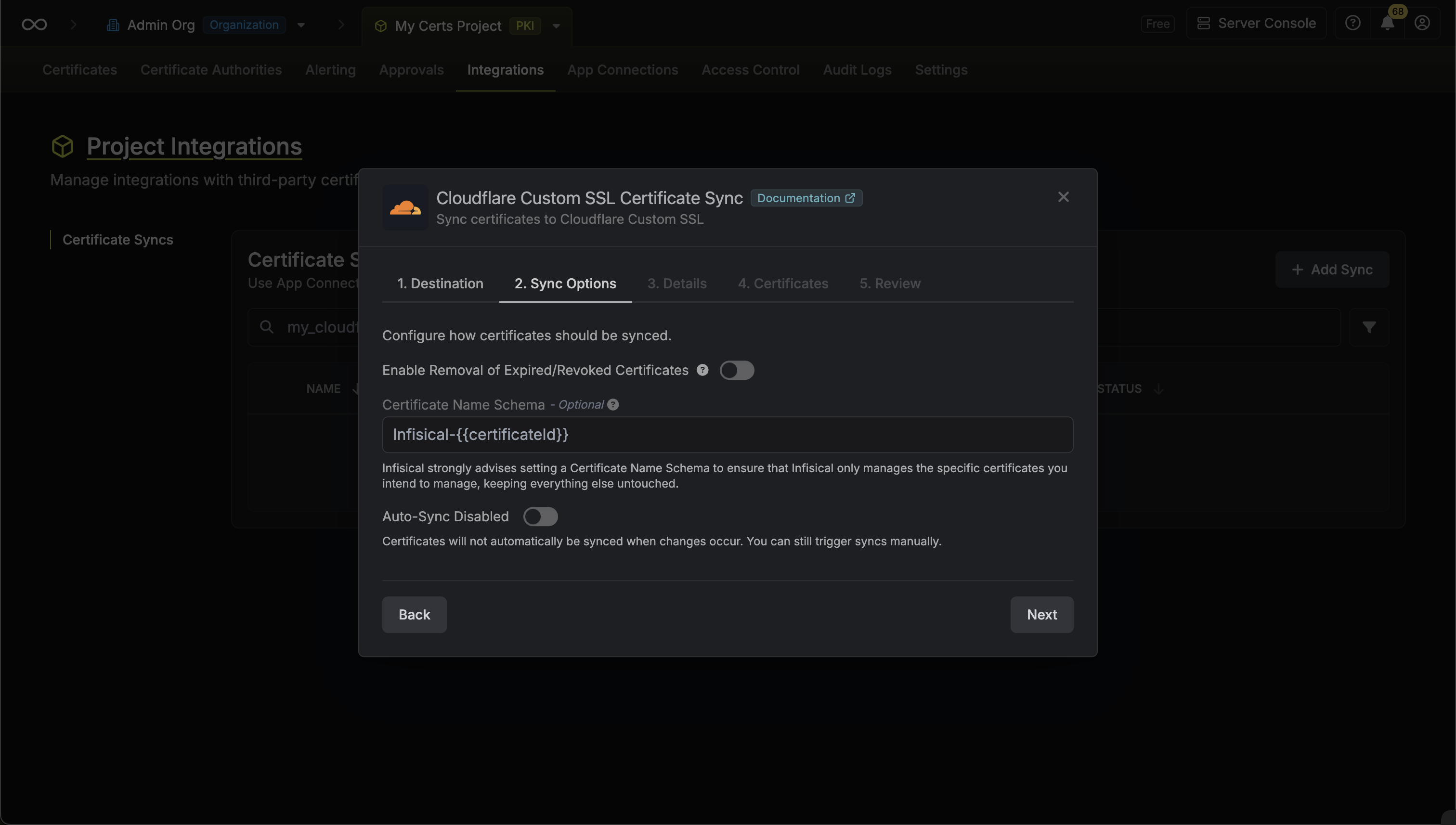
- Enable Removal of Expired/Revoked Certificates: If enabled, Infisical will remove certificates from the destination if they are no longer active in Infisical.
- Certificate Name Schema (Optional): Customize how certificate names are generated. Must include
{{certificateId}}as a placeholder. If not specified, defaults toInfisical-{{certificateId}}. - Auto-Sync Enabled: If enabled, certificates will automatically be synced when changes occur. Disable to enforce manual syncing only.
-
Configure the Details of your Cloudflare Custom Certificate Sync, then click Next.
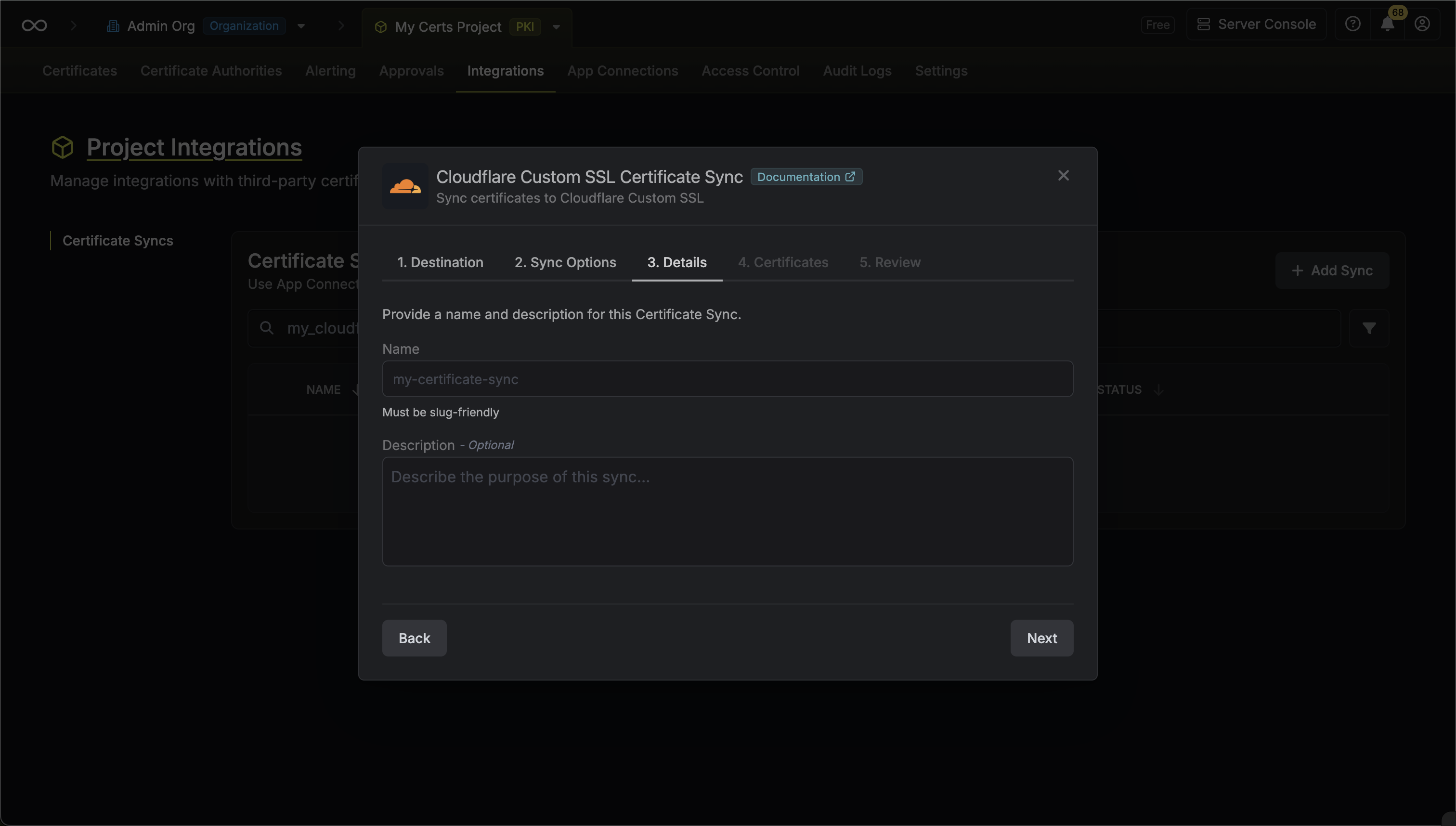
- Name: The name of your sync. Must be slug-friendly.
- Description: An optional description for your sync.
-
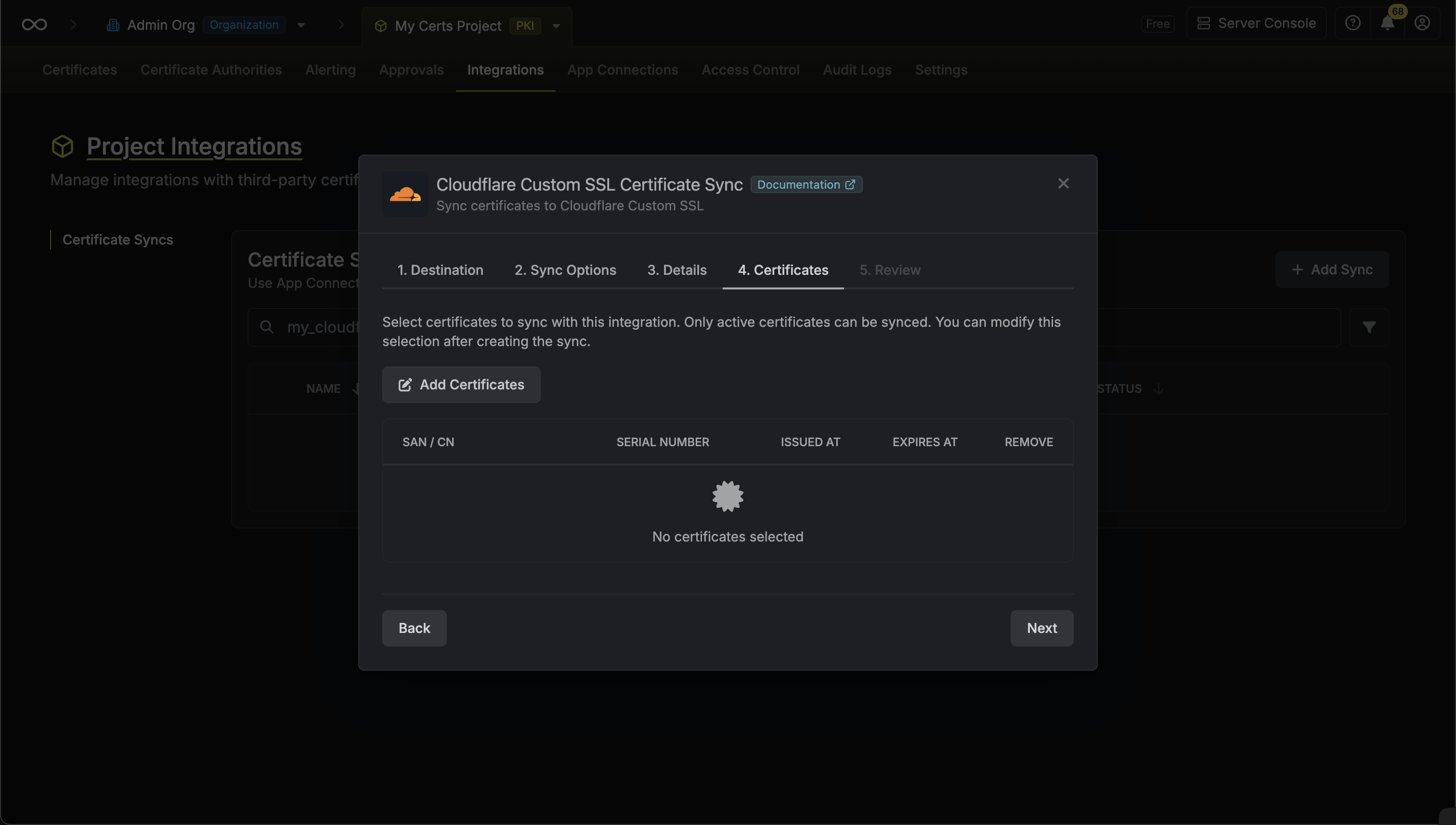
Select which certificates should be synced to Cloudflare.
-
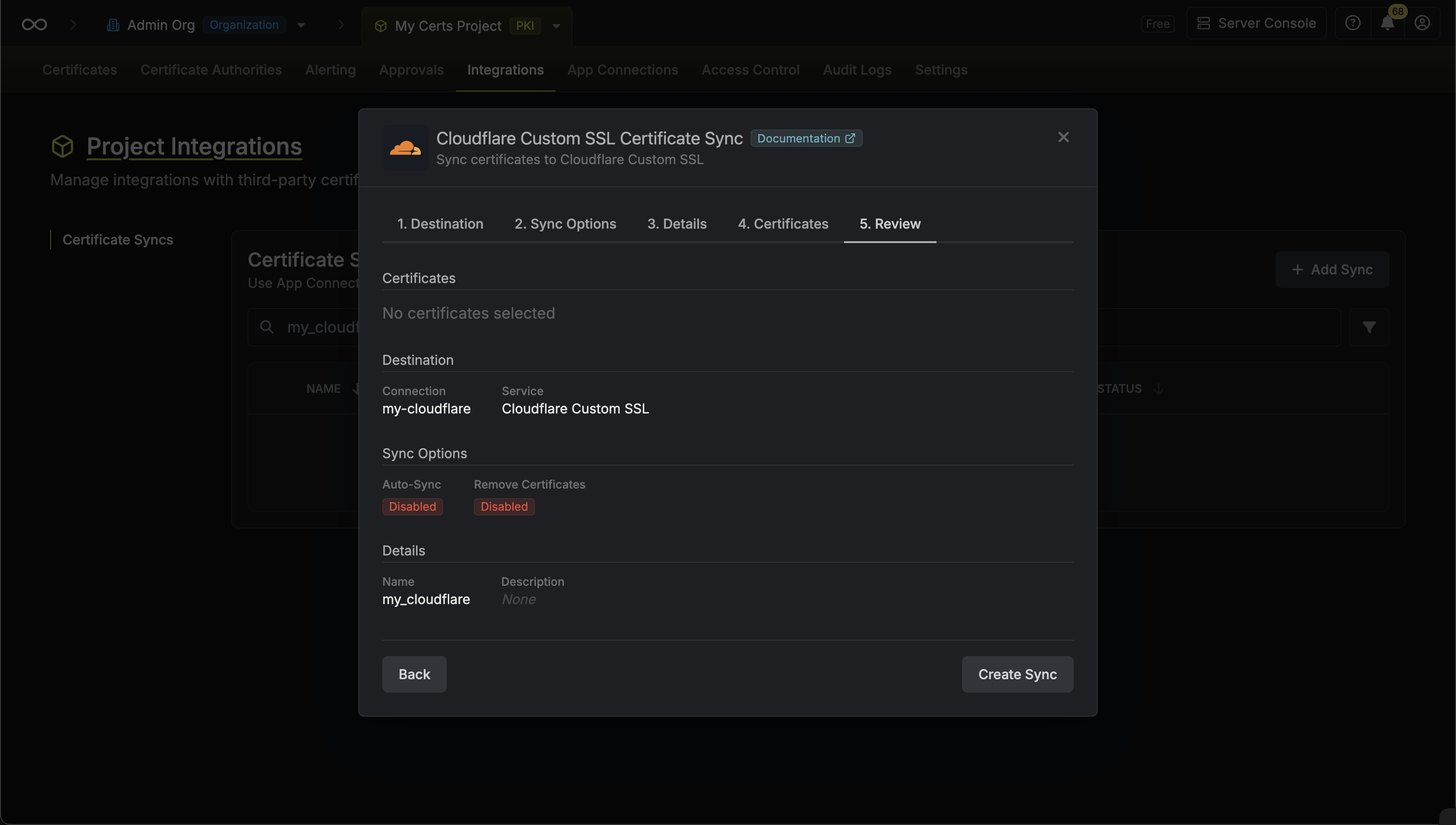
Review your Cloudflare Custom Certificate Sync configuration, then click Create Sync.
-
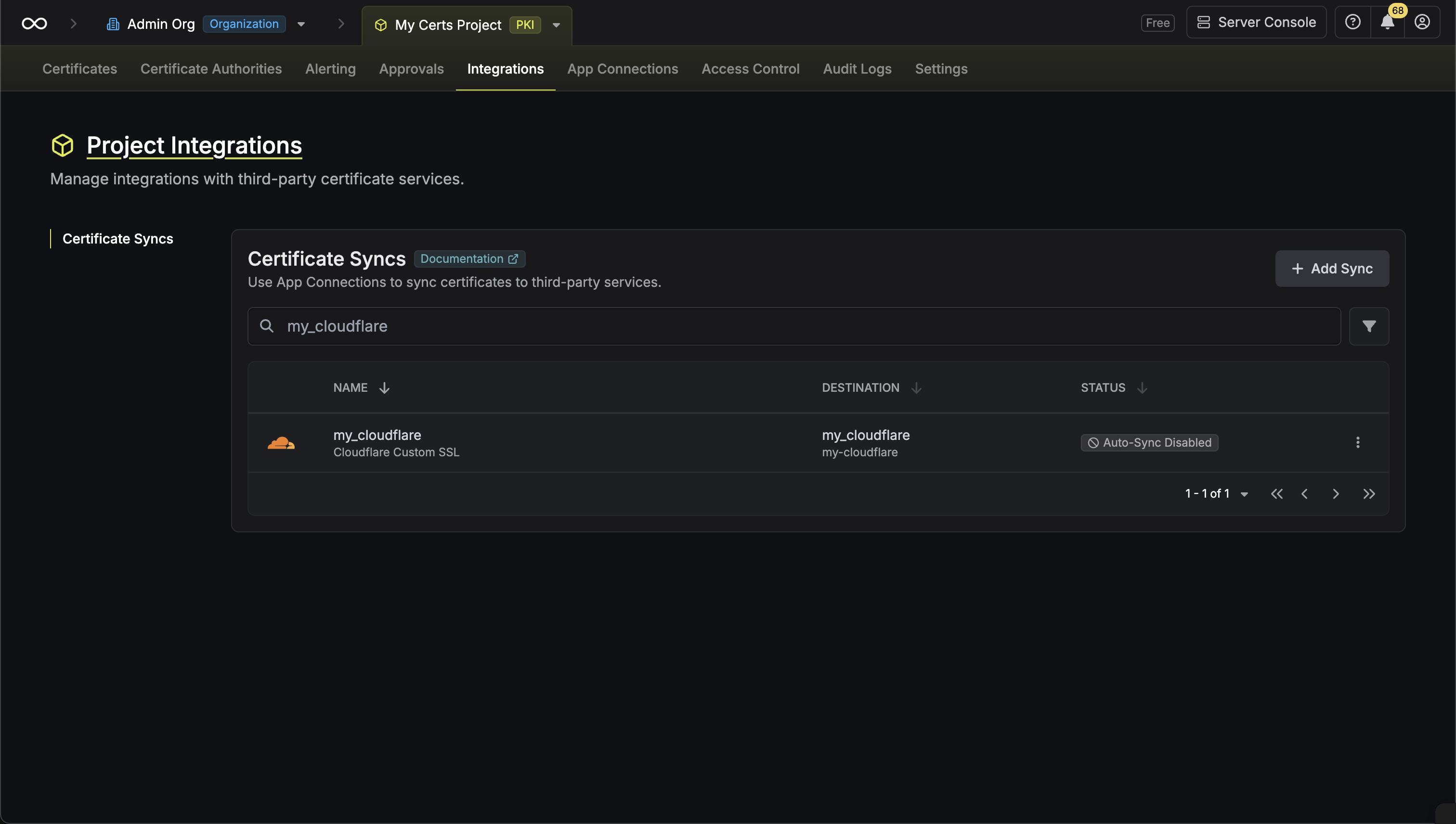
If enabled, your Cloudflare Custom Certificate Sync will begin syncing your certificates to the destination endpoint.
Certificate Management
The Cloudflare Custom Certificate Sync provides:- Automatic Deployment: Deploy certificates in Infisical to Cloudflare as Custom certificates.
- Certificate Updates: Update certificates in Cloudflare when renewals occur.
- Expiration Handling: Optionally remove expired certificates from Cloudflare (if enabled).
- Chain Management: Properly bundle certificate chains for optimal browser compatibility.
Cloudflare Custom Certificate Syncs support both automatic and manual
synchronization modes. When auto-sync is enabled, certificates are
automatically deployed as they are issued or renewed.
Manual Certificate Sync
You can manually trigger certificate synchronization to Cloudflare using the sync certificates functionality. This is useful for:- Initial setup when you have existing certificates to deploy
- One-time sync of specific certificates
- Testing certificate sync configurations
- Force sync after making changes
FAQ
Can I import certificates from Cloudflare back into Infisical?
Can I import certificates from Cloudflare back into Infisical?
Cloudflare does not support importing certificates back into Infisical
due to security limitations where private keys cannot be extracted from Cloudflare.